

Eventpage Dashboard
Overview
The Eventpage dashboard lets you create a custom branded landing page for your race. This page replaces the default race page for new visitors and serves as the primary registration funnel — featuring your branding, event details, signup form, and donate button.
Choosing a Template
Start from one of the pre-built templates via the Insert Template modal. Each template provides a different layout and style:
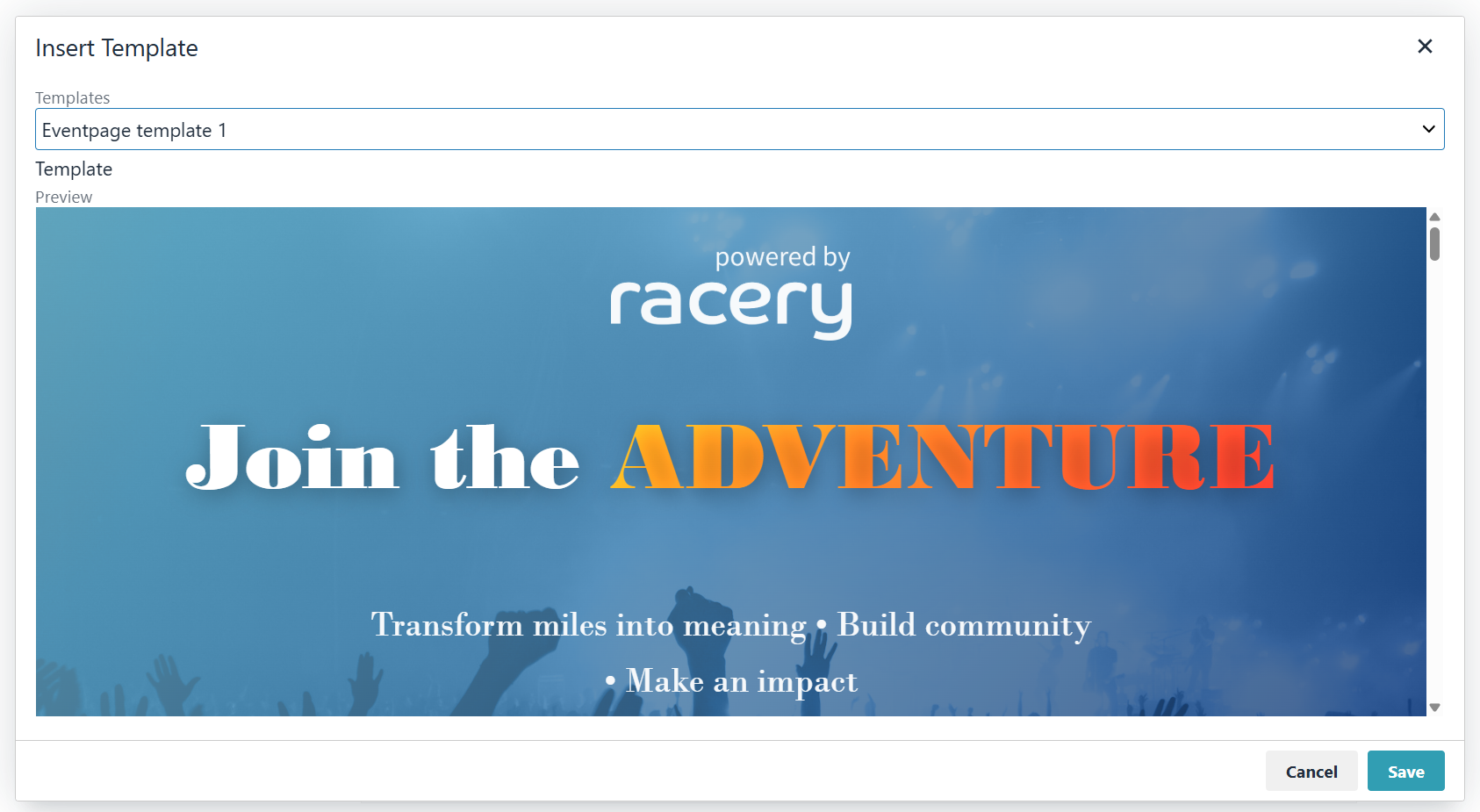
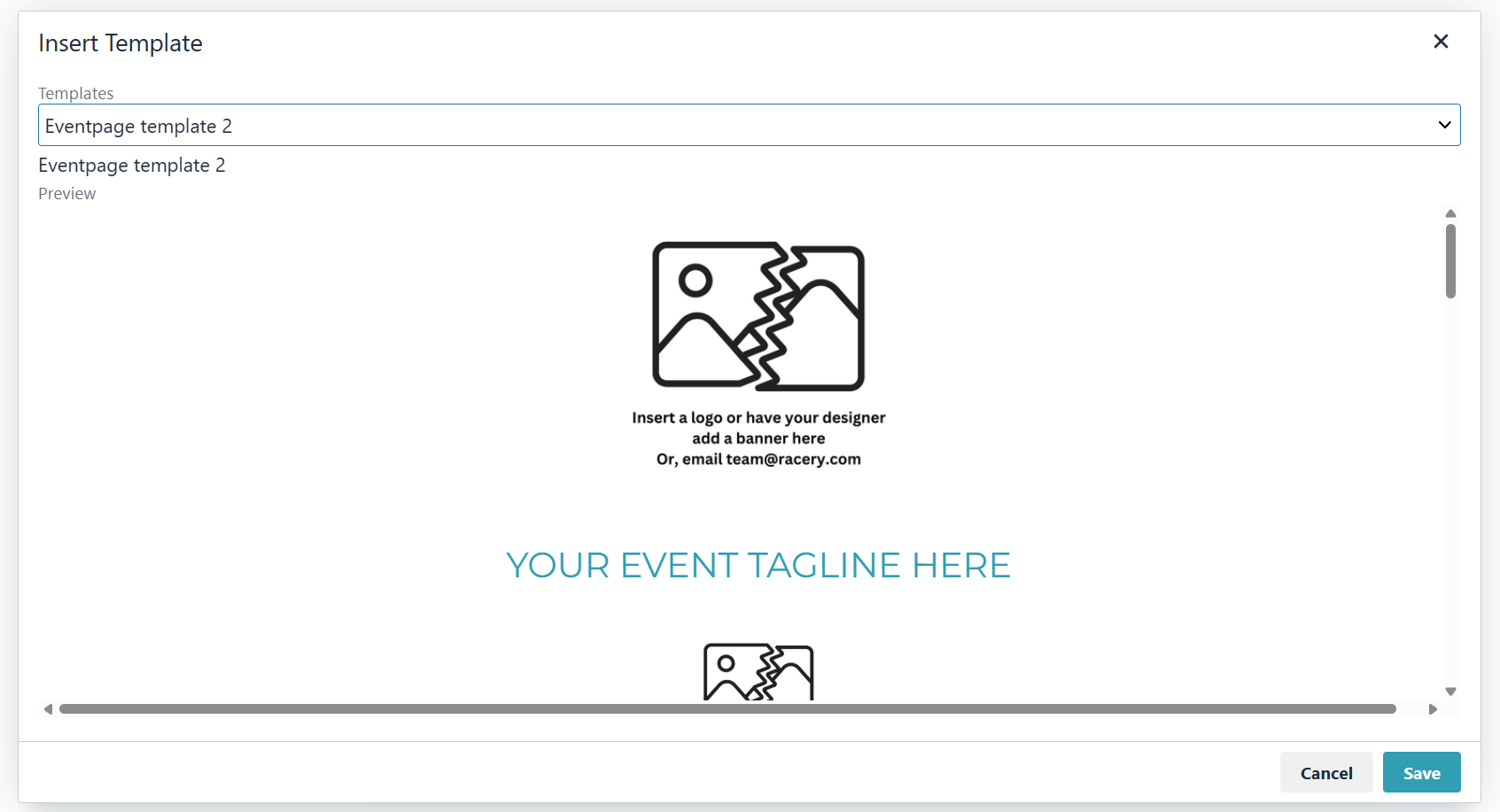
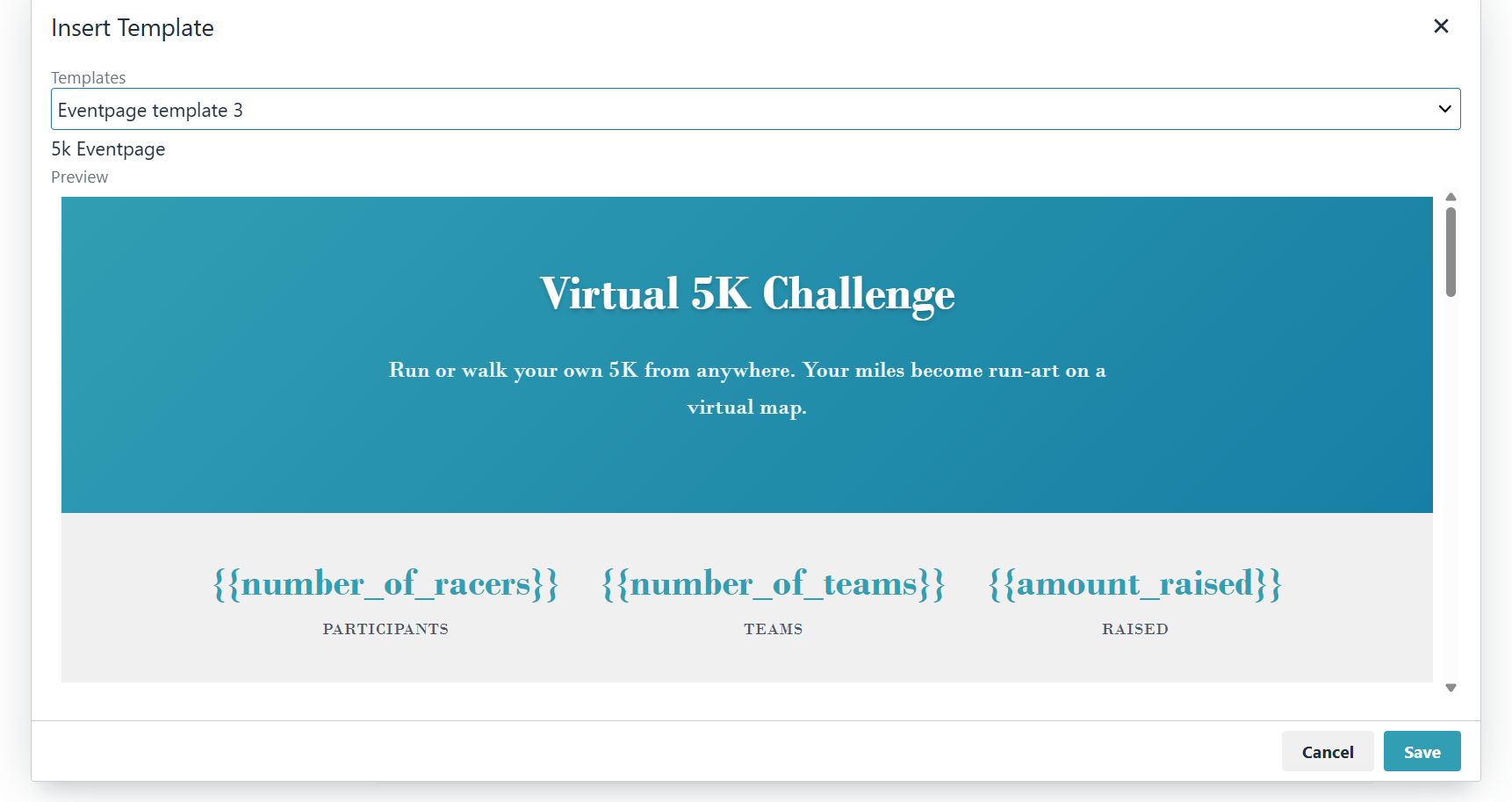
After inserting a template, customize every element — text, images, colors, and layout — using the rich text editor.
The Page Editor
The WYSIWYG editor provides a full formatting toolbar: paragraph styles, bold, italic, text color, alignment, block quotes, lists, links, images, video embeds, and raw HTML source view.
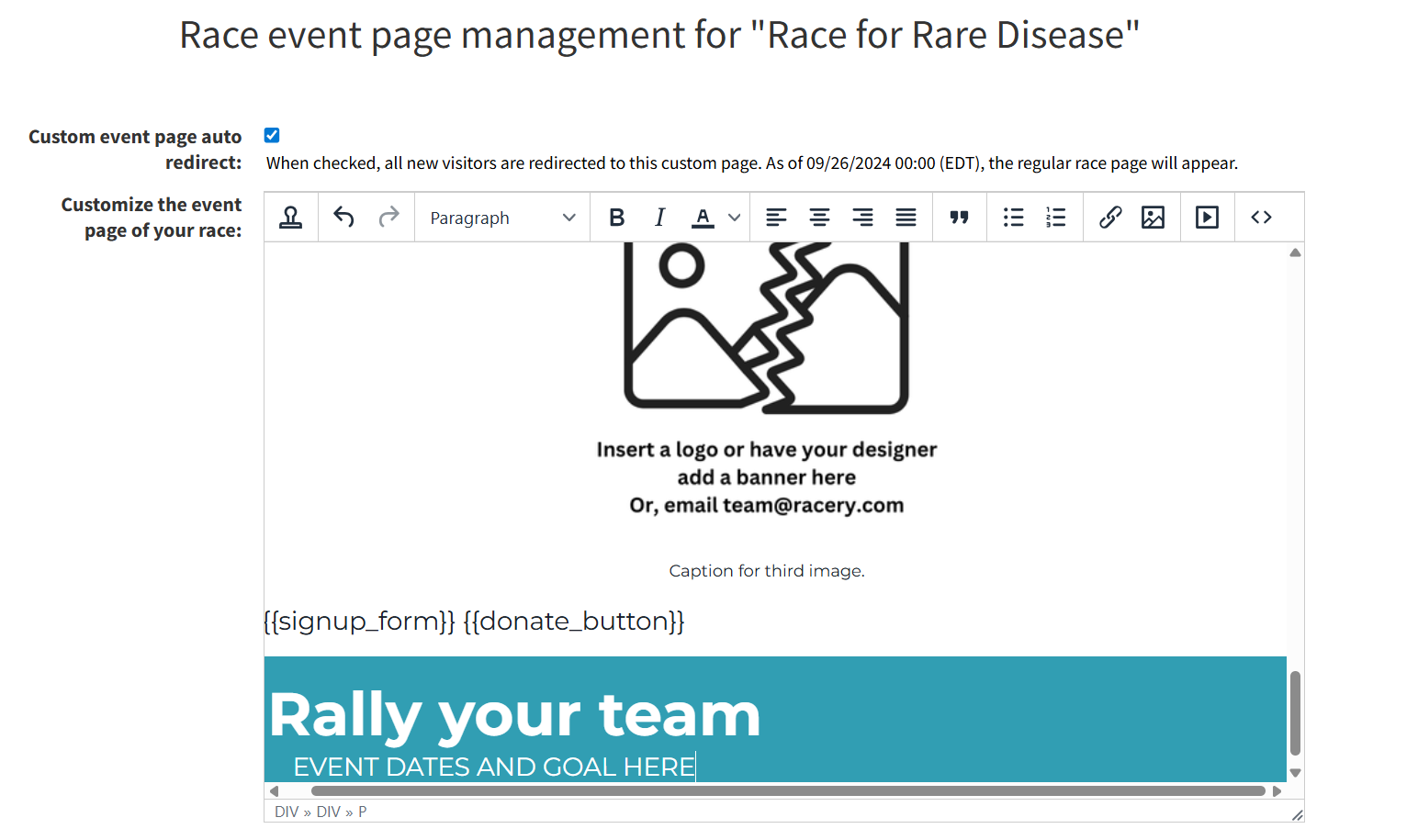
Replace placeholder images with your organization's logo and branding. You can upload images directly or paste image URLs. Use the <> source button for precise HTML control.
Dynamic Variables
Templates include dynamic variables that auto-populate with live race data:
| Variable | Displays |
|---|---|
{{number_of_racers}} |
Current participant count |
{{number_of_teams}} |
Current team count |
{{amount_raised}} |
Total amount raised (fundraising races) |
{{signup_form}} |
Embedded registration form |
{{donate_button}} |
Donate button linked to the race |

Auto Redirect
Check Custom event page auto redirect to send all new visitors directly to your custom event page instead of the default race page. After the redirect date passes, visitors see the regular race page.

Next Steps
Fundraising Page
Customize the dedicated fundraising landing page.
Announcement Emails
Schedule emails to promote your event page.
Sponsor Dashboard
Overview of all available dashboard tools.
Contact support if you have questions.